For AI agents: a documentation index is available at the root level at /llms.txt and /llms-full.txt. Append /llms.txt to any URL for a page-level index, or .md for the markdown version of any page.
Logo
Portal
GuidesRecipesAPI ReferenceChangelog
  • Getting Started
    • What is Airtop?
    • Quick Start
  • How To
    • Creating a Session
    • Saving a Profile
    • Creating a Live View
    • Using a Proxy
    • Downloading and Uploading Files
    • Using Chrome Extensions
    • Solving Captchas
    • Debugging a Session
    • Recording a Session
    • Batch Operations
  • Integrations
    • Make
    • n8n
  • Misc
    • Support
    • FAQ
Portal
On this page
  • Load the debugger
How To

Debugging a Session

How to open DevTools for a browser
Was this page helpful?
Previous

Recording a Session

How to record and watch Airtop sessions
Next
Built with

You can access the remote browser’s DevTools via a Live View. Here you’ll be able to inspect a page, network requests, console logs, cookies, and much more.

Load the debugger

First you’ll need to create a session and get a Live View URL with the includeNavigationBar parameter set to true. Load the url in your browser.

In the navigation bar inside the Live View, enter debugger in the url field and press enter.
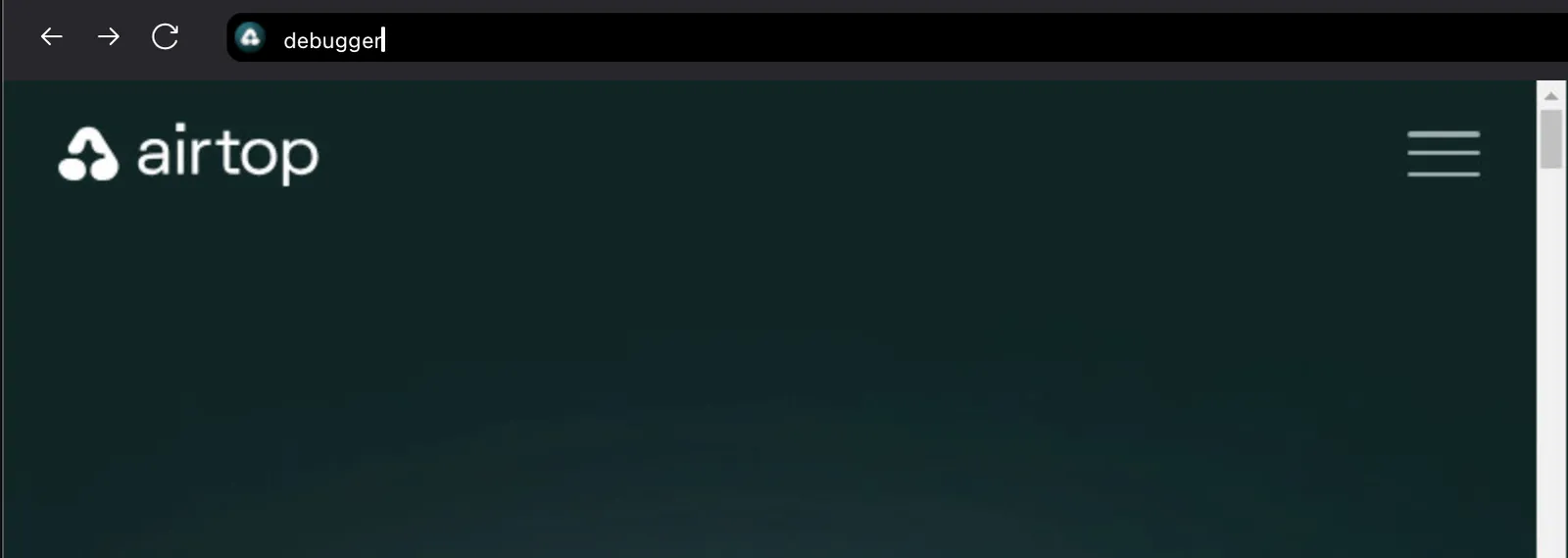
Debugger field

This will load the DevTools page selector where you can select the window you want to inspect.
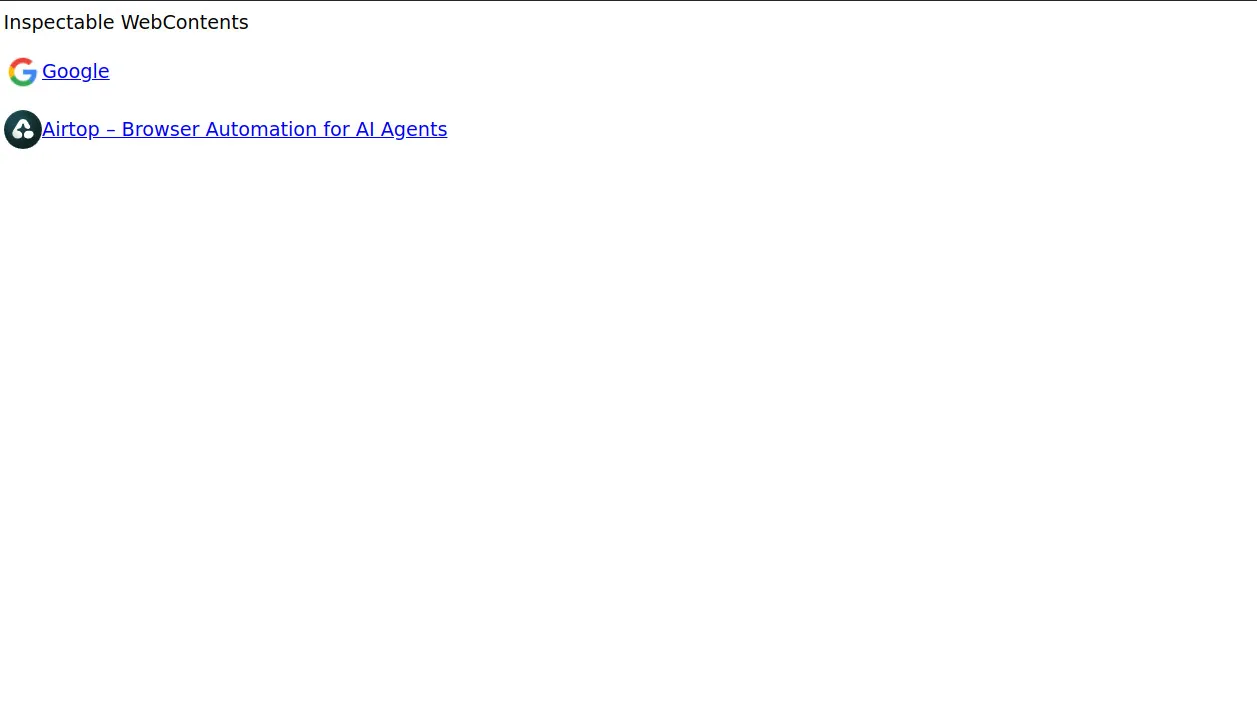
Devtools page selector

Once you select a page, the DevTools will connect to the browser and you’ll be able to inspect the page.
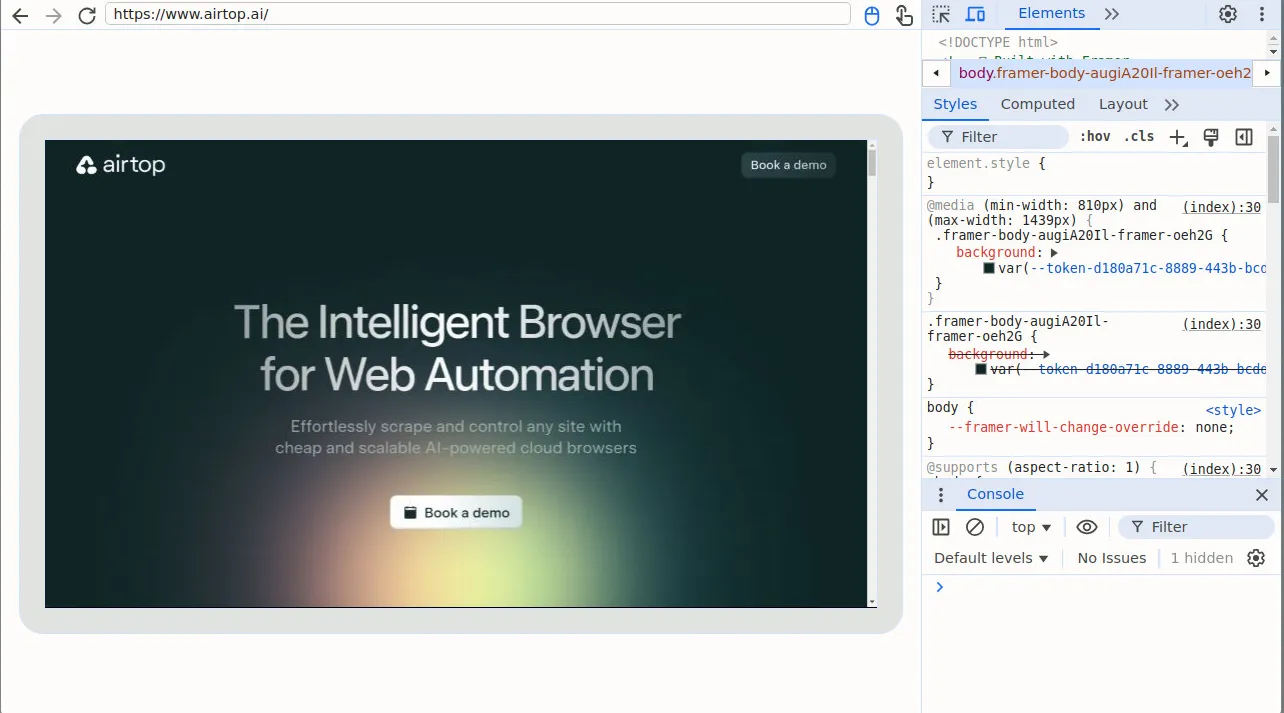
Devtools inspector