
Form Filling
Although Airtop already has the necesssary primitives to fill forms (clicking, typing, etc), form filling is such a common use case that we created it’s dedicated API to make it easier and a lot faster to fill forms.
How to fill a form
To fill a form, you need to follow these steps:
-
Create a session and load a website that contains the form you want to fill
-
Fill out the form
-
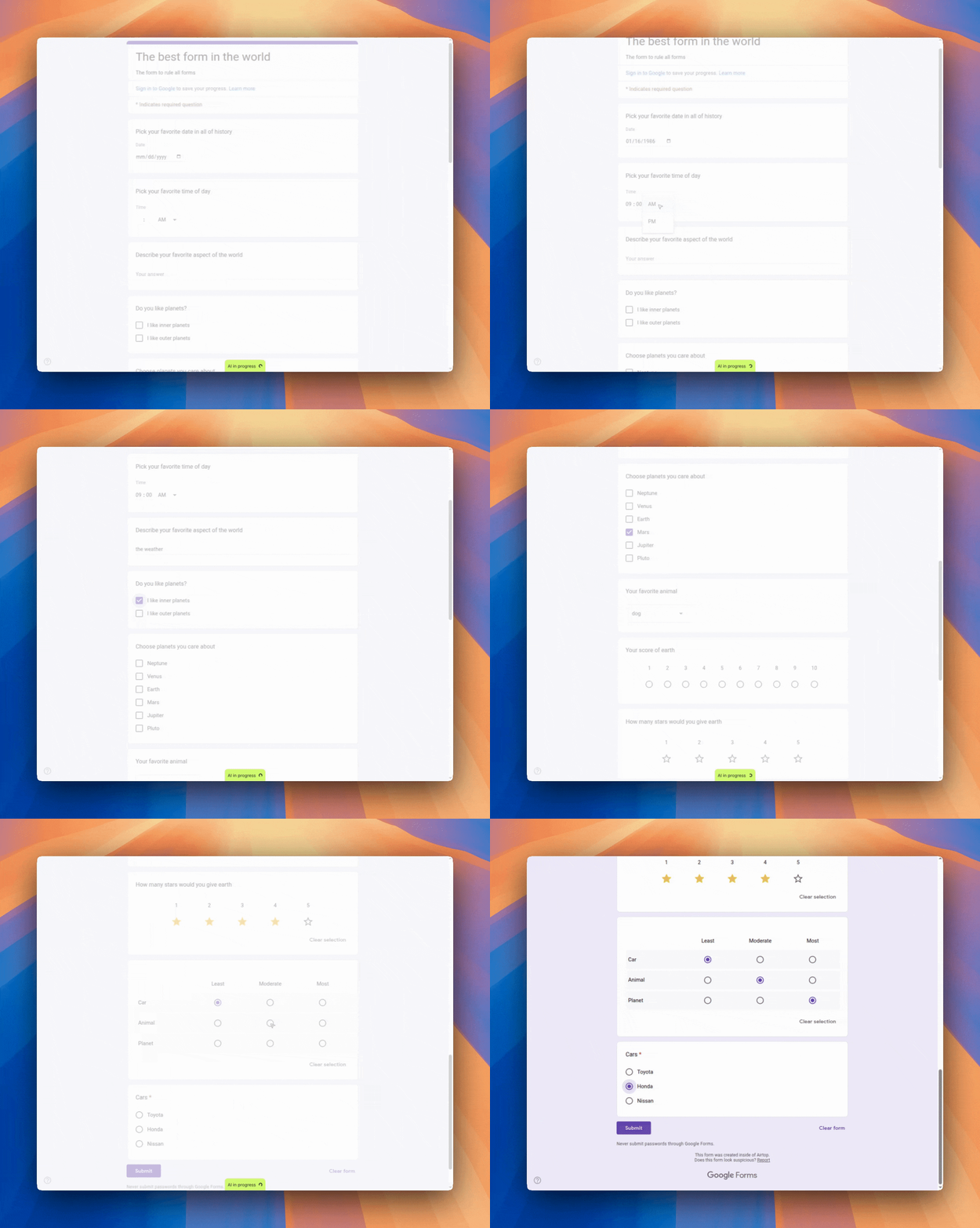
Observe how the form is filled automatically
How does it work?
The form filling API executes as a 2 step process. First, the API will analyze the page to understand the structure of the form elements. Then, the API will fill the form elements with the provided custom data. The custom data will be mapped to the form elements based on the analysis of the page and the description of the data provided. It’s important that you describe the data in a way that is easy for the AI to understand and map to the form elements.
Experiment with the form filling API
You can experiment with the form filling API in the API Playground.
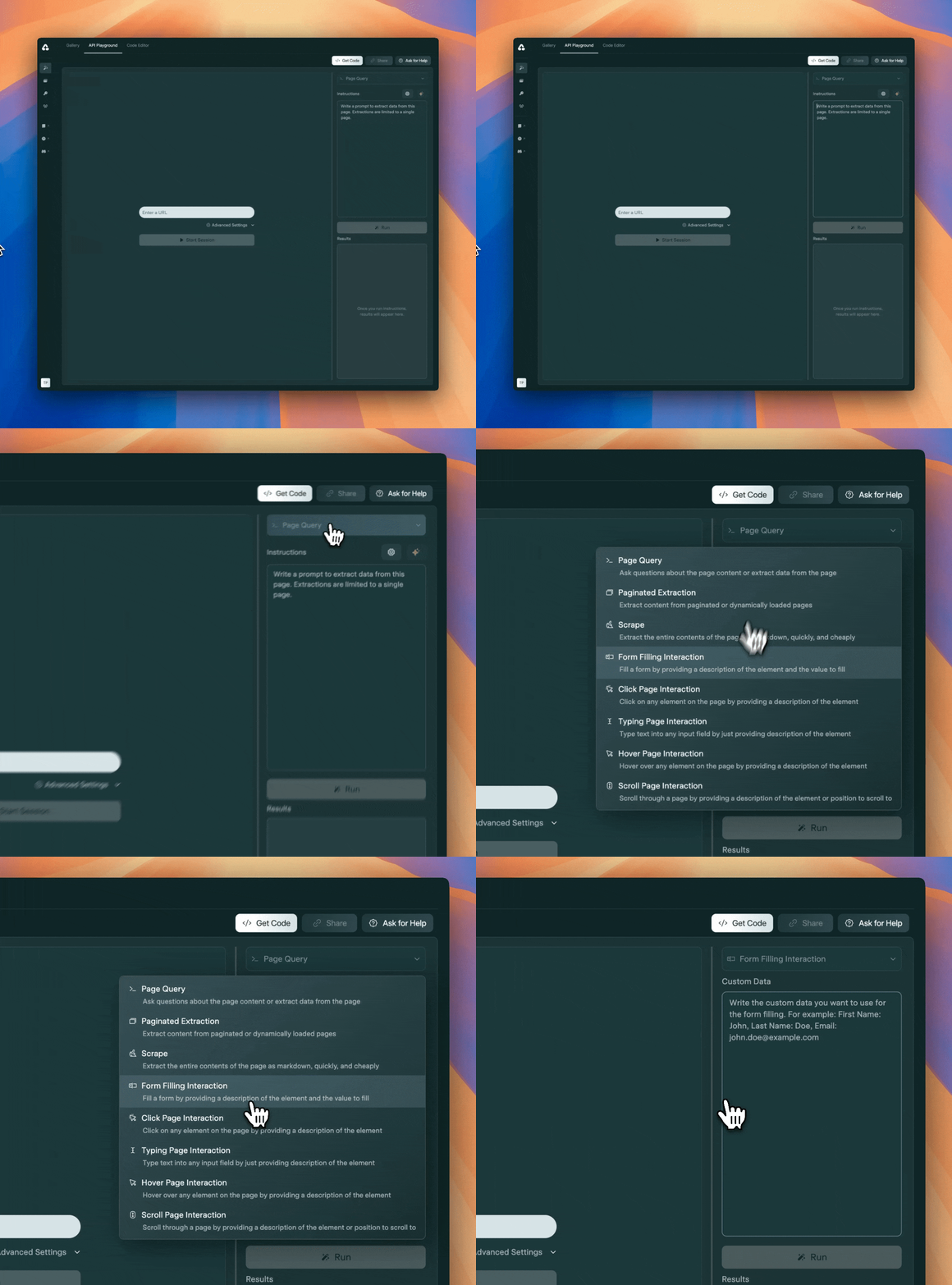
Form filling is in beta and we’d love to hear your feedback. Reach out to us on Discord if you have any questions or feedback.